Paste a message. Get a list.
Share a message to Vanishing List, paste it, or drop it on your Mac. Bullets, numbers and quantities are tidied up for you, and Smart Import picks the items out of chatty messages, right on your device.
Smart Import uses Apple Intelligence on supported devices.
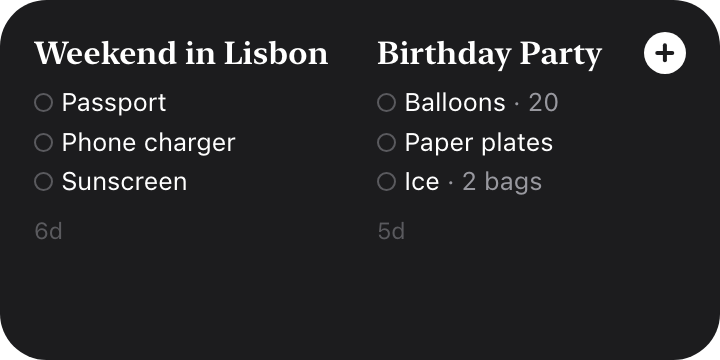
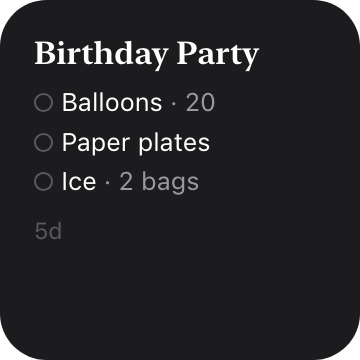
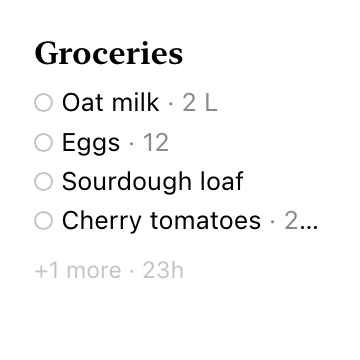
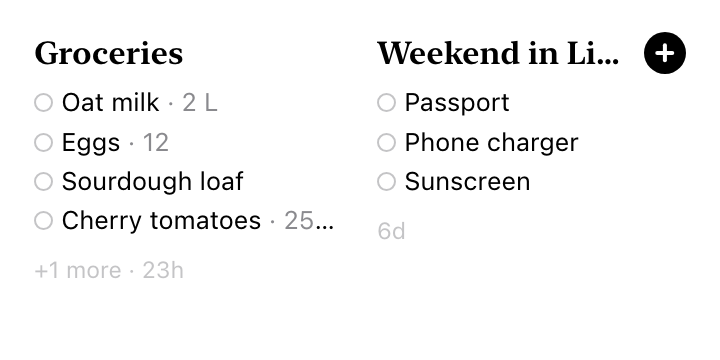
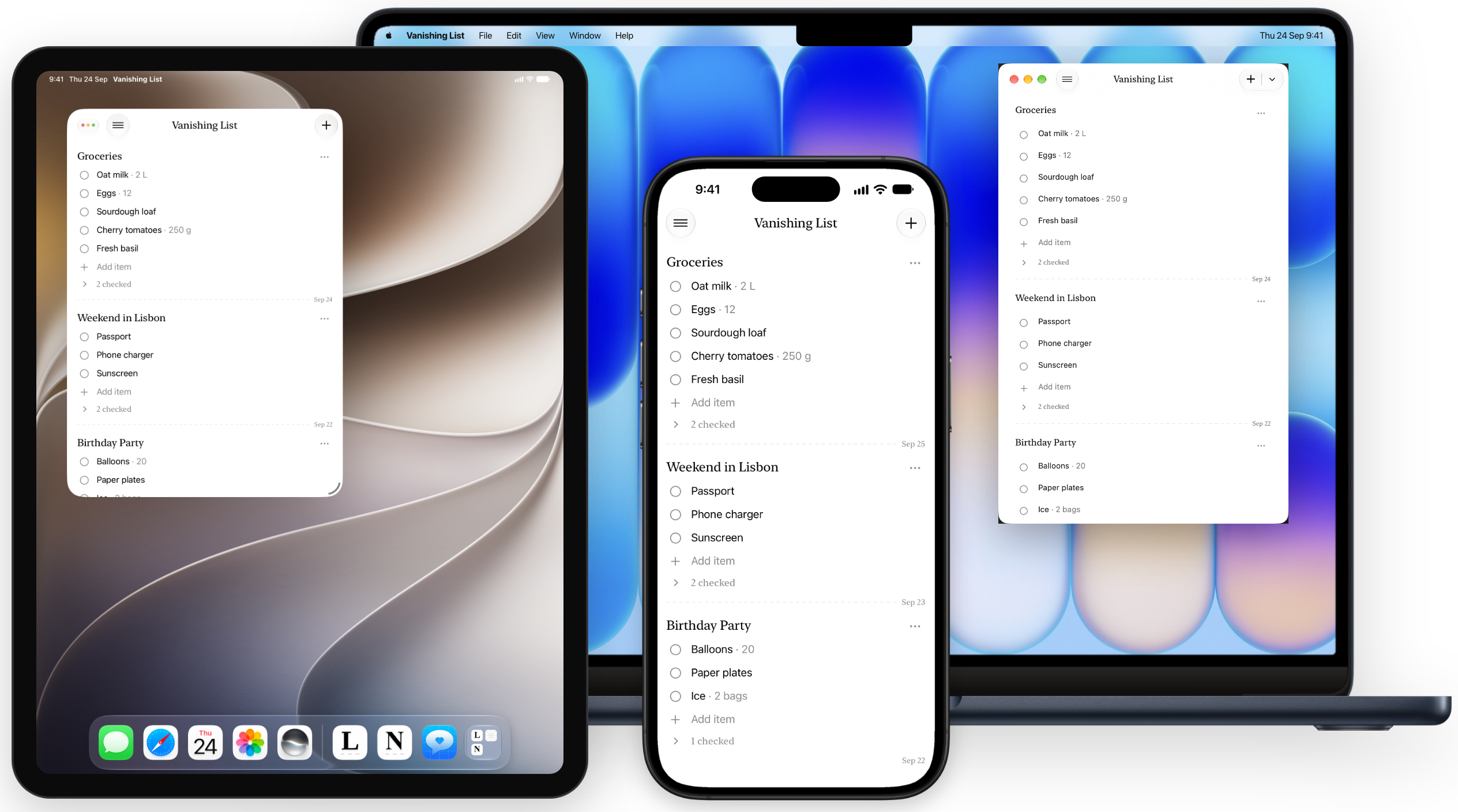
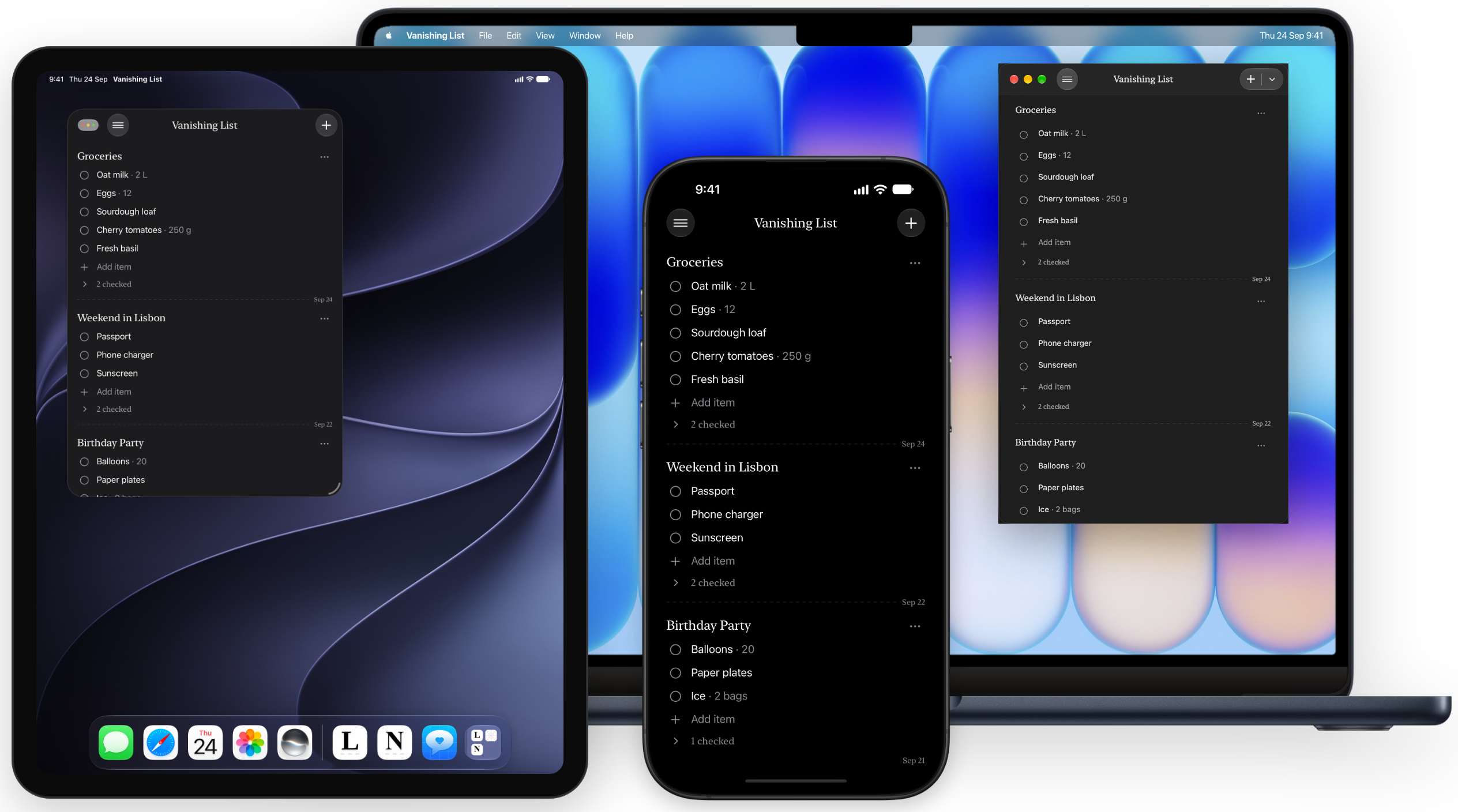
iPhone, iPad, and Mac. Make a list on one device, check it off on another.



Sync lists to all your devices through iCloud, add them with Shortcuts, and ask Siri what's on your list
Your lists stay on your device and in your private iCloud. Smart Import runs on-device, and what's on your lists is never sent anywhere.
Vanishing List uses your Apple Account and syncs encrypted data to all your devices using iCloud. No extra accounts needed.
Every feature free for 7 days. Then keep one list for free, or unlock unlimited lists with a single one-time purchase.
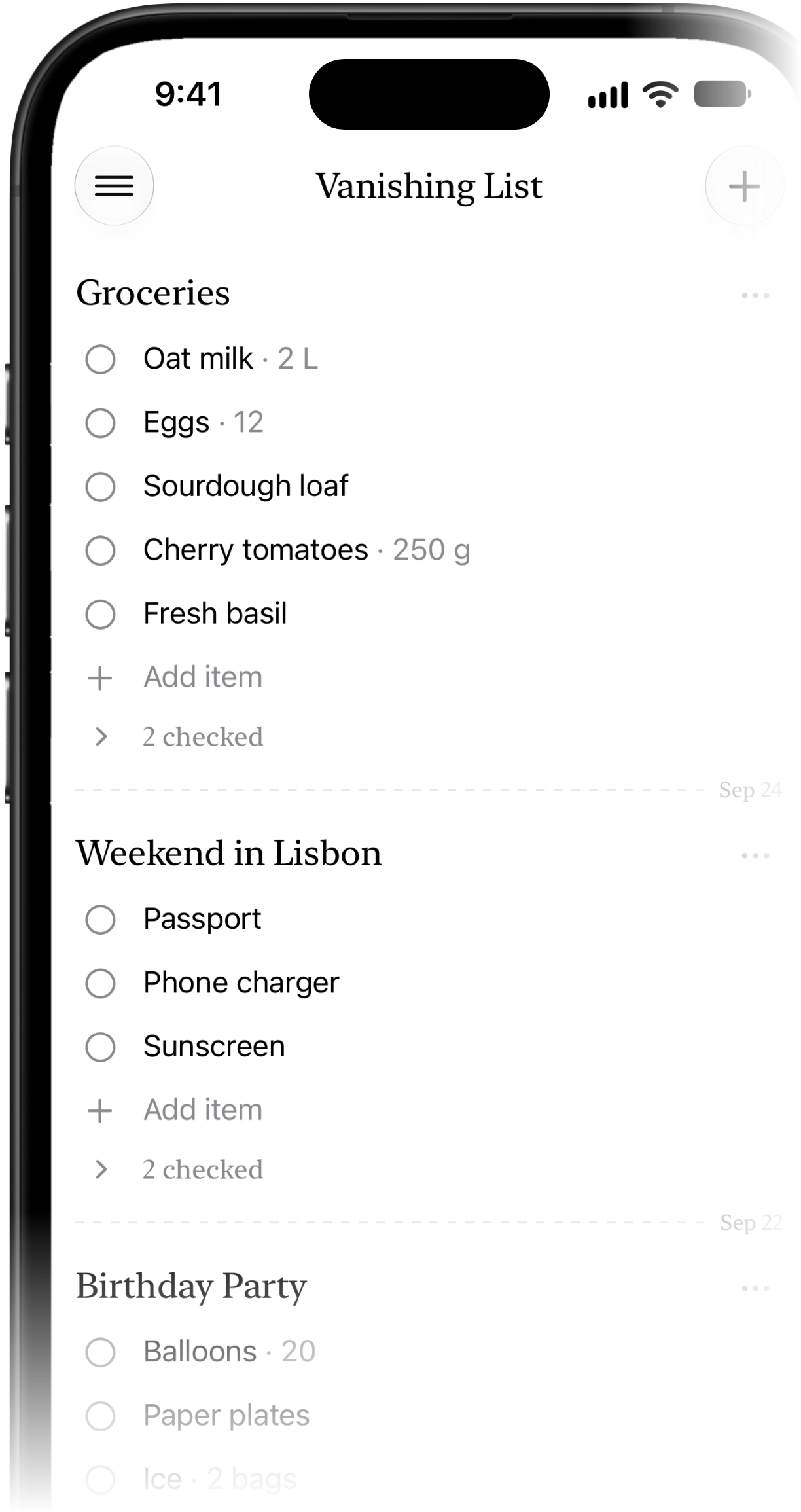
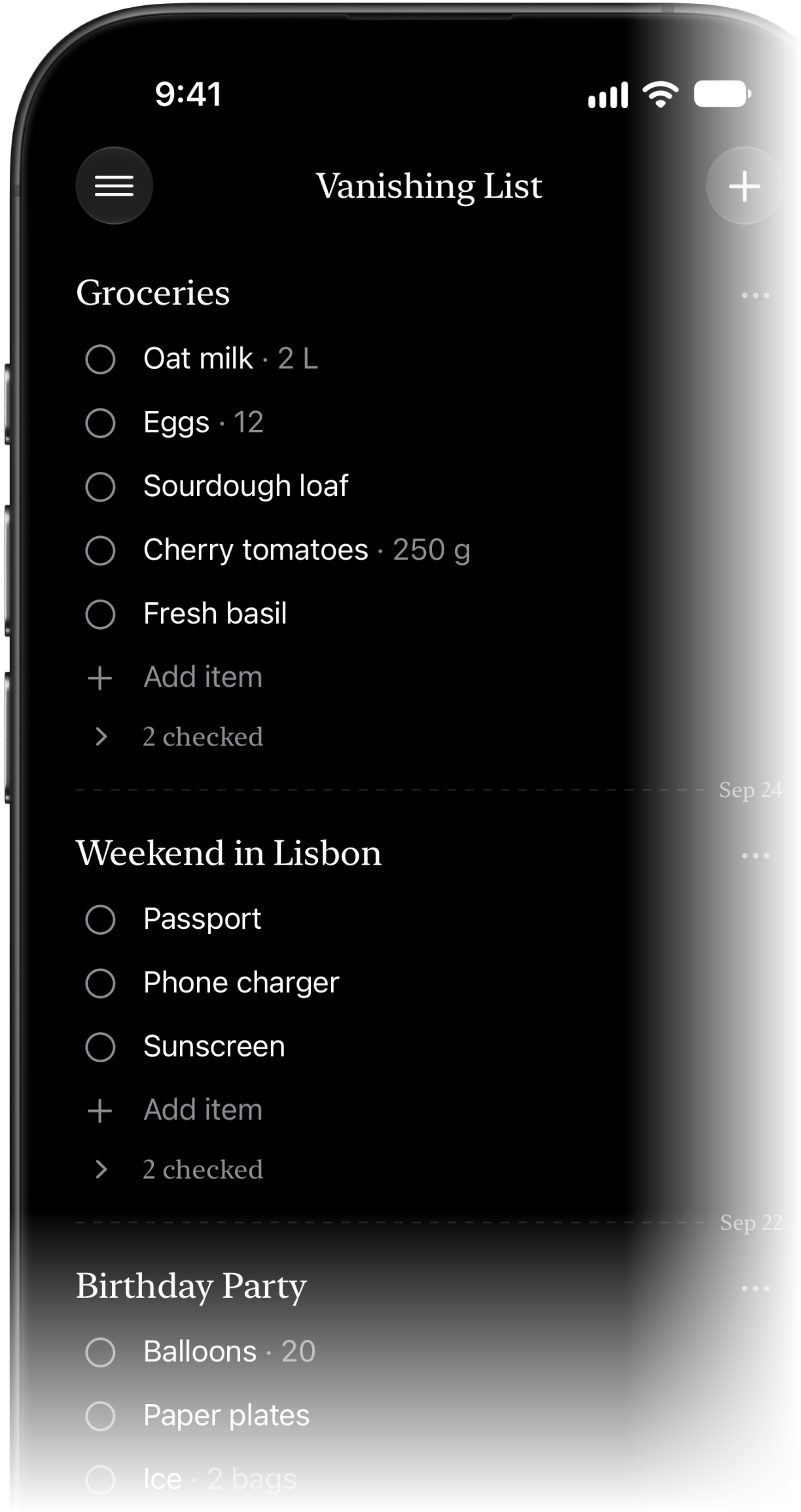
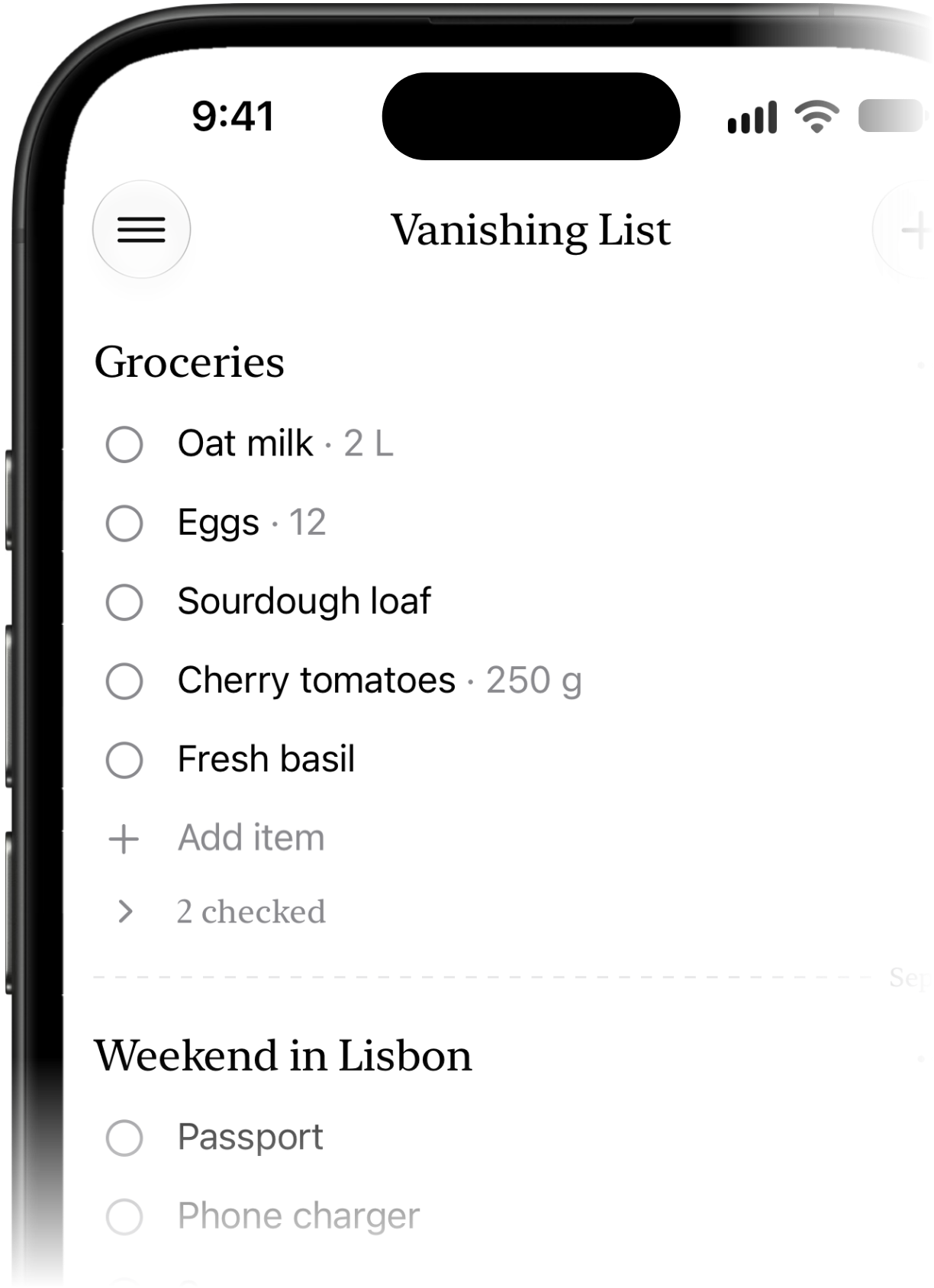
Vanishing List is a checklist app where lists vanish on their own. It's great for shopping lists, packing, errands and anything else you only need for a while. Check items off as you go, and the list cleans itself up afterwards.
Each list has a timer based on when you last changed it. When the timer runs out, the list moves to Trash. You can choose 24 hours, 7 days or 30 days under “Vanish after” in Preferences.
Any change to a list resets its timer: editing the title, adding, editing, deleting or reordering items, and checking or unchecking them. A list you're still using stays around, and one you've stopped touching vanishes.
Touch and hold the message, tap Share, then choose Vanishing List. Or copy the text and tap Paste List in the app. On Mac, drag the text onto the window or press ⌘⇧V. Messy text opens a preview first so you can check the items before adding them.
Smart Import uses Apple Intelligence, on your device, to tidy up messy text. It picks the items out of a chatty message, splits “milk, eggs and two avocados” into separate items, and pulls out quantities like “2 L” or “a dozen”. Without Apple Intelligence, the built-in cleanup takes over automatically.
Vanishing List starts with a 7-day free trial with every feature. After the trial, you can keep 1 list for free, and a one-time purchase unlocks unlimited lists. There is no subscription.
Yes. Your lists sync through iCloud between your iPhone, iPad and Mac. Make sure you're signed in to the same iCloud account on each device.
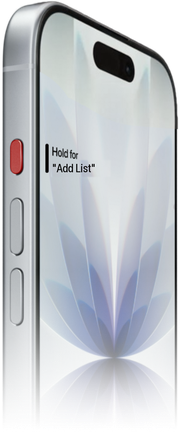
Yes. Say “Add a list in Vanishing List” or “What's on my Vanishing List”. In the Shortcuts app you'll find Add List, Get Lists and Open List, and you can set the Action Button to Add List.
Yes. Lists that vanish or that you delete move to Trash for 30 days. Open Preferences, scroll to Trash and tap Restore. A restored list gets a fresh timer.
Your lists are stored on your device and in your private iCloud account. Smart Import runs entirely on your device. Anonymous usage statistics and crash reports help improve the app, but the contents of your lists, their titles and your clipboard are never sent.